
Everything you need to run leave properly.
Otium One handles entitlement, pro-rata, carry-over, and TOIL automatically, even for the complex cases. No modules to unlock, no add-ons to buy: you get the full feature set, with built-in help on every screen.
Leave management that takes care of the rules
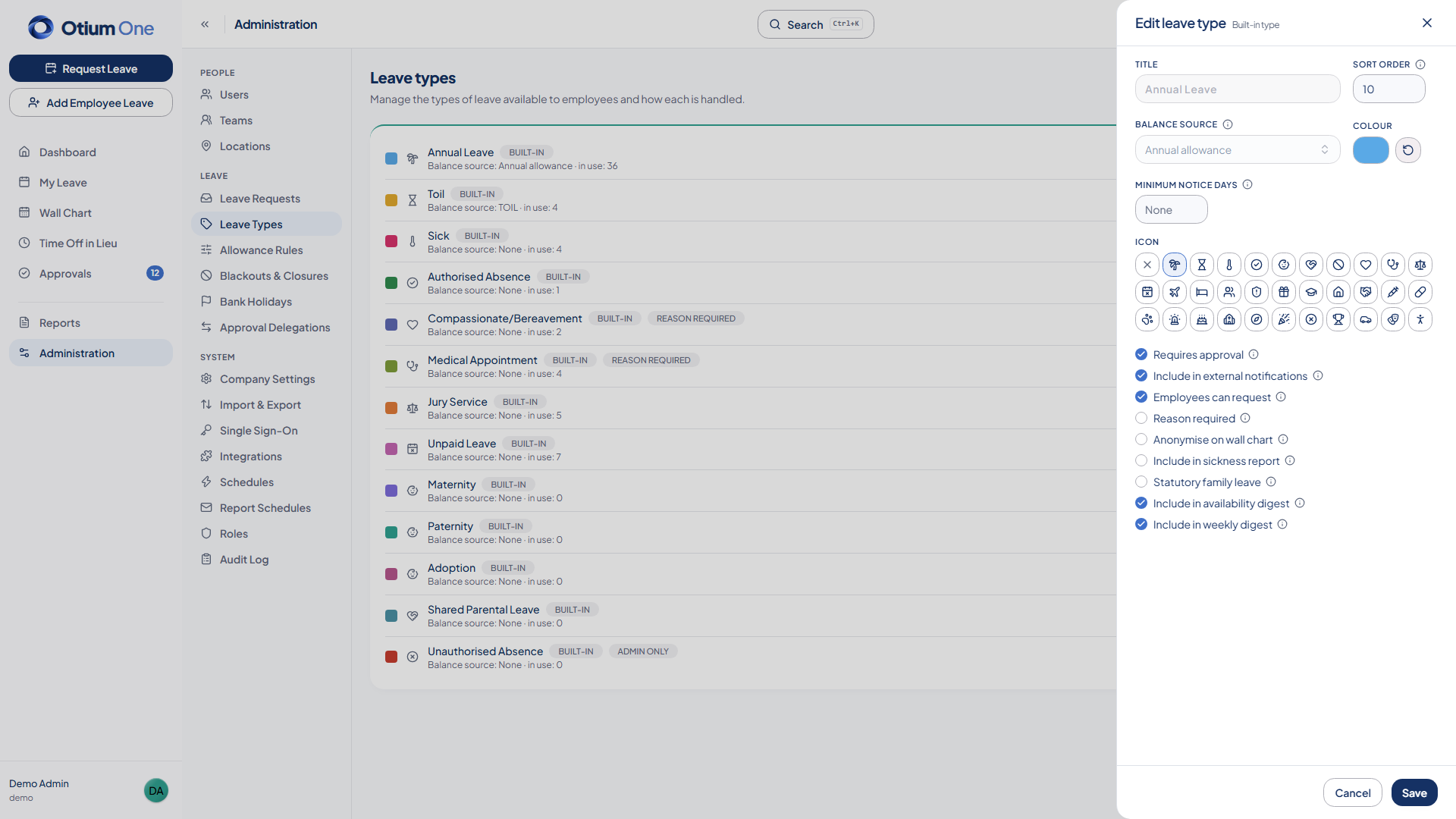
Entitlement, pro-rata, carry-over and TOIL — calculated automatically, even for complex working patterns, so HR doesn’t have to maintain a spreadsheet for it.
- Starters, leavers, and part-time schedules — entitlement and pro-rata recalculated correctly, every time.
- Carry-over between holiday years, on whatever policy you set.
- Statutory carry-over protection (WTR reg 13(10)/(13)): leave blocked by sickness or family leave carries over on an 18-month window — handled automatically rather than left for an admin to track.
- Time off in lieu (TOIL): grants, balance tracking, and a booking guard that stops a balance going negative.
- Custom leave types beyond annual leave and sickness — configure your own with the rules that fit.
- Unlimited-allowance leave types, for when a cap doesn’t make sense.
- Irregular and zero-hours workers accrue automatically, supporting the 12.07% accrual approach established by Harpur Trust v Brazel, with hours-worked records kept for the statutory 104-week reference period.
Effortless leave management
Everything employees and managers need to request, approve, and stay on top of leave, without chasing anyone.
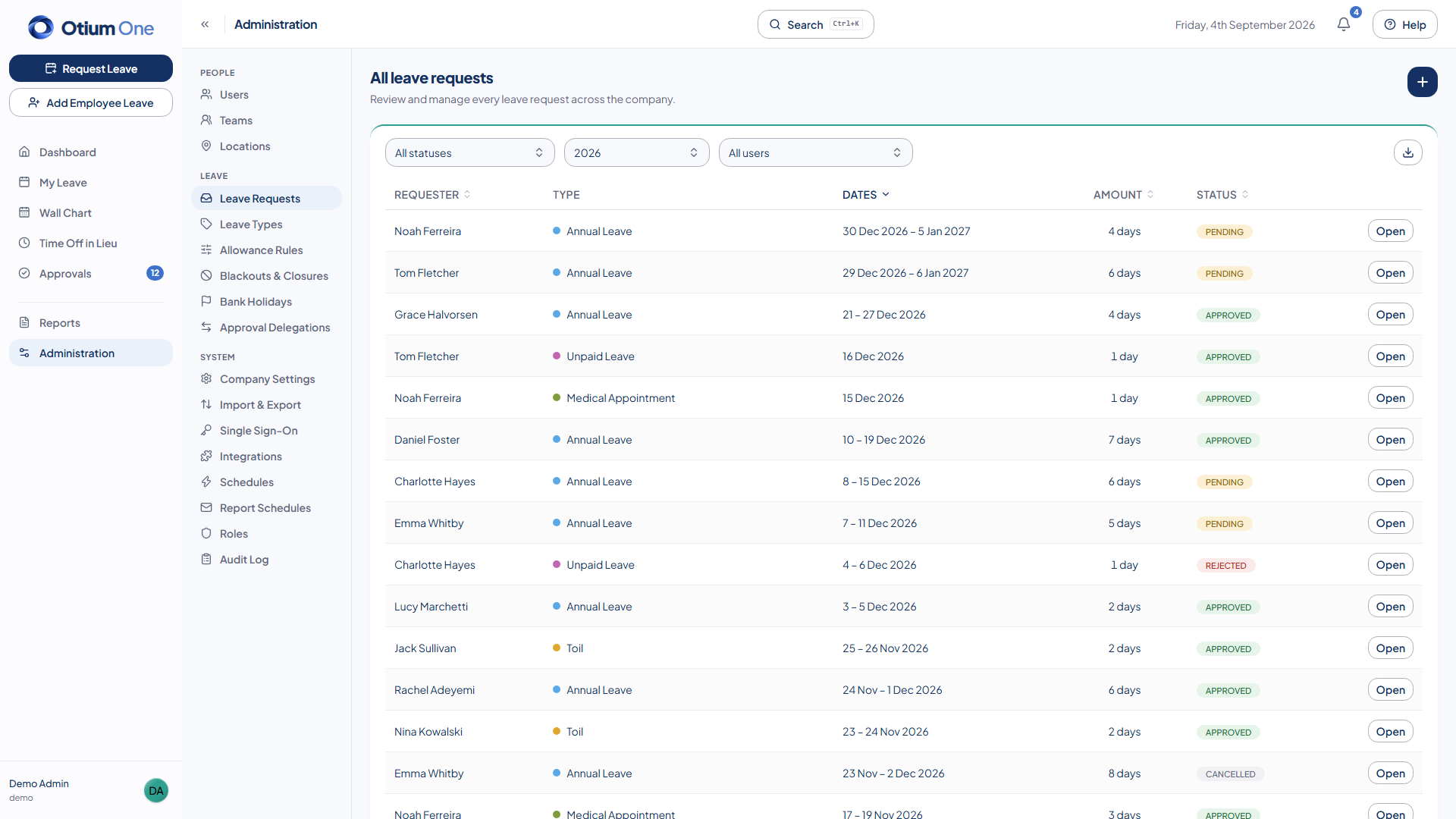
- Single or dual approval per request.
- Approval delegation — hand off approver duties temporarily, with an end date or left open-ended.
- Real-time approvals queue — new requests appear without a page refresh.
- Internal comment threads on a request, visible to admins and approvers only.
- A notification bell with a live unread count for every request, decision, cancellation, and TOIL grant, plus a full paged history whenever you need it.
- A keyboard command palette (⌘K / Ctrl+K) to book leave, jump to any page, or open an admin screen without reaching for the mouse.
- Hours-mode booking for shift and clock-time working patterns — partial-day requests anchored to each person's actual schedule, switchable company-wide or for an individual, alongside standard day-based leave.
Total visibility, wherever you look
See who’s off, spot cover gaps before they happen, and pull the numbers HR and payroll actually need.
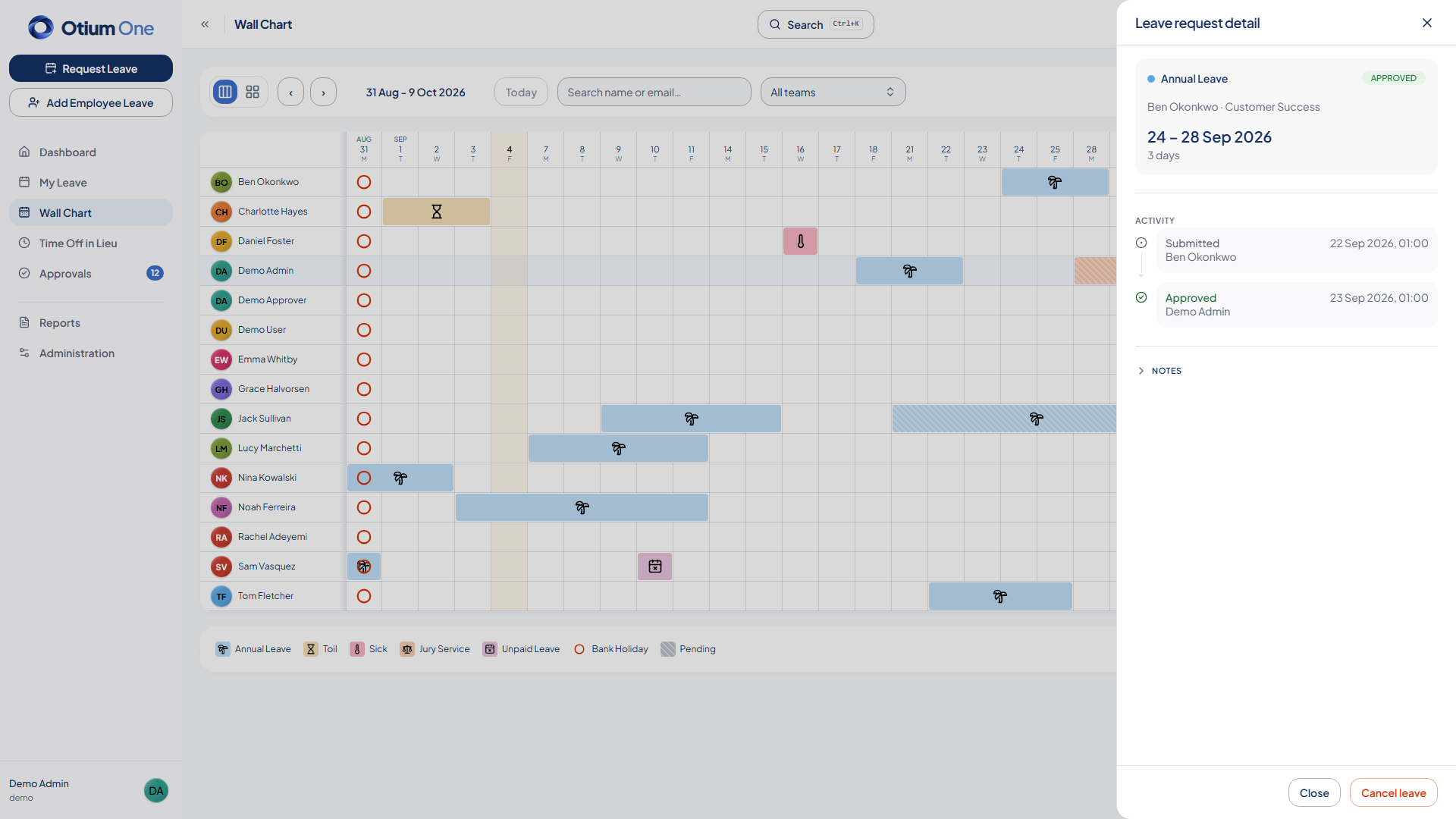
- Wall chart showing who's off, by day, across your whole team or the wider business.
- Updates in real time — approve, reject, or cancel a request and watch the chart change in front of you, so everyone's always looking at the same up-to-date picture.
- Drag across any date range on the chart to book leave.
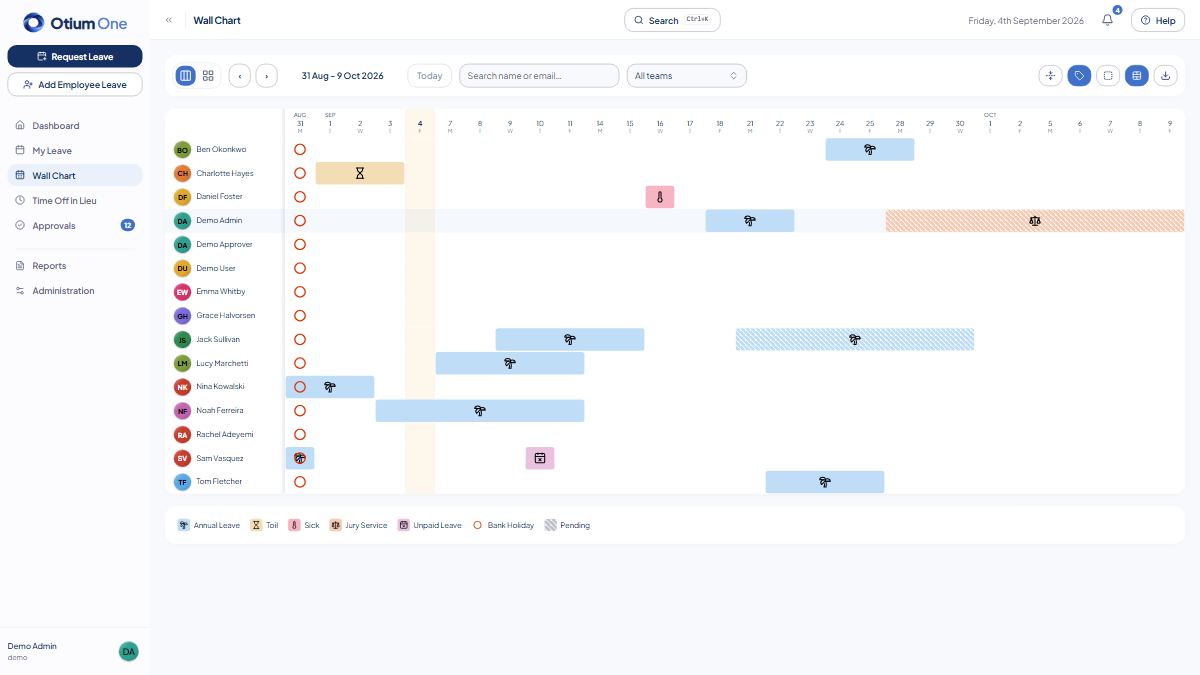
- Switch between a 6-week rolling view and a full calendar month, and configure grid lines, merged leave blocks, icons, and a compact density to match how your team reads it.
- Minimum staffing levels — warn or block bookings that would leave a team under-covered.
- Reports for Bradford factor sickness tracking, staff utilisation, and leaver history — Bradford factor with trend sparklines going back over time.
- Automatic risk alerts to your admins when someone's absence trend worsens — flagged early, not discovered months later in a report.
- Dedicated payroll CSV export, and CSV export for anything else you need outside the app.
- Schedule payroll or Bradford factor reports to land in an inbox weekly or monthly — including your payroll processor's, with no login needed on their end.
- Bulk CSV import for users and leave history — bring your existing records over in one go, with one-click undo if a batch needs reversing.
Set up your chart, your way
Let your team choose the view that works best for them. Switch between a 6-week rolling view or calendar month, show or hide icons, adjust the grid style, merge or split cells, and choose a compact or spacious layout — with 32 possible combinations.
No grid, merged cells
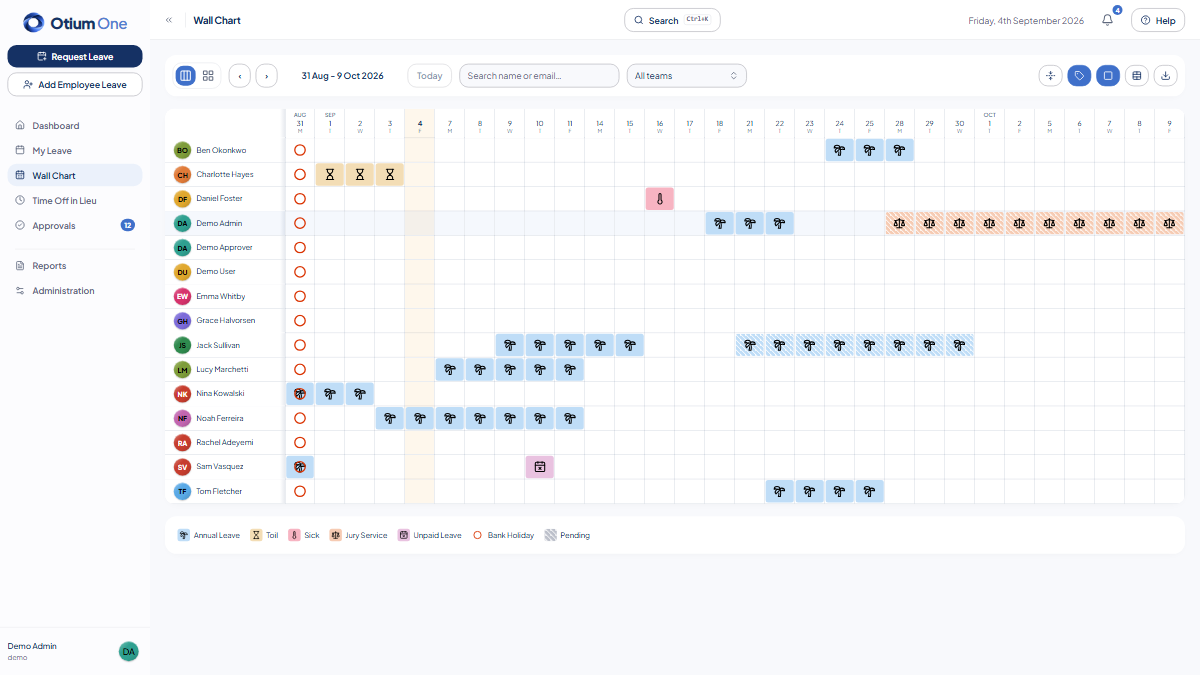
Grid lines, split cells
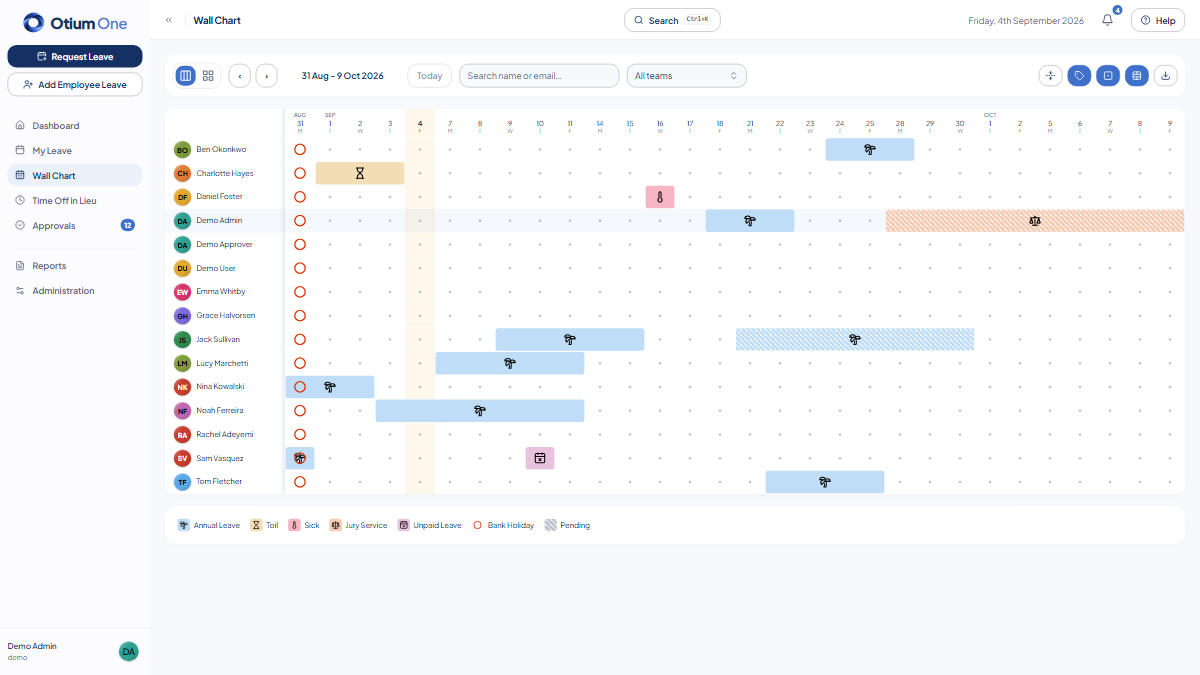
Dotted grid, icons, merged cells
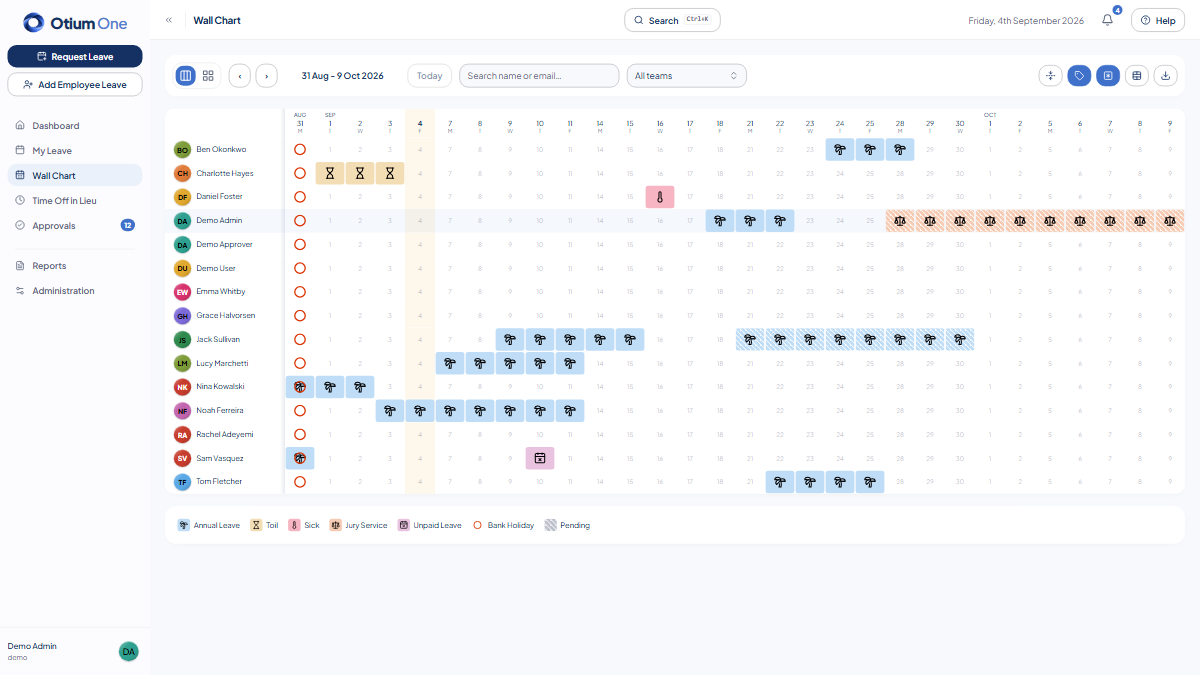
Day-boundary grid, icons, split cells
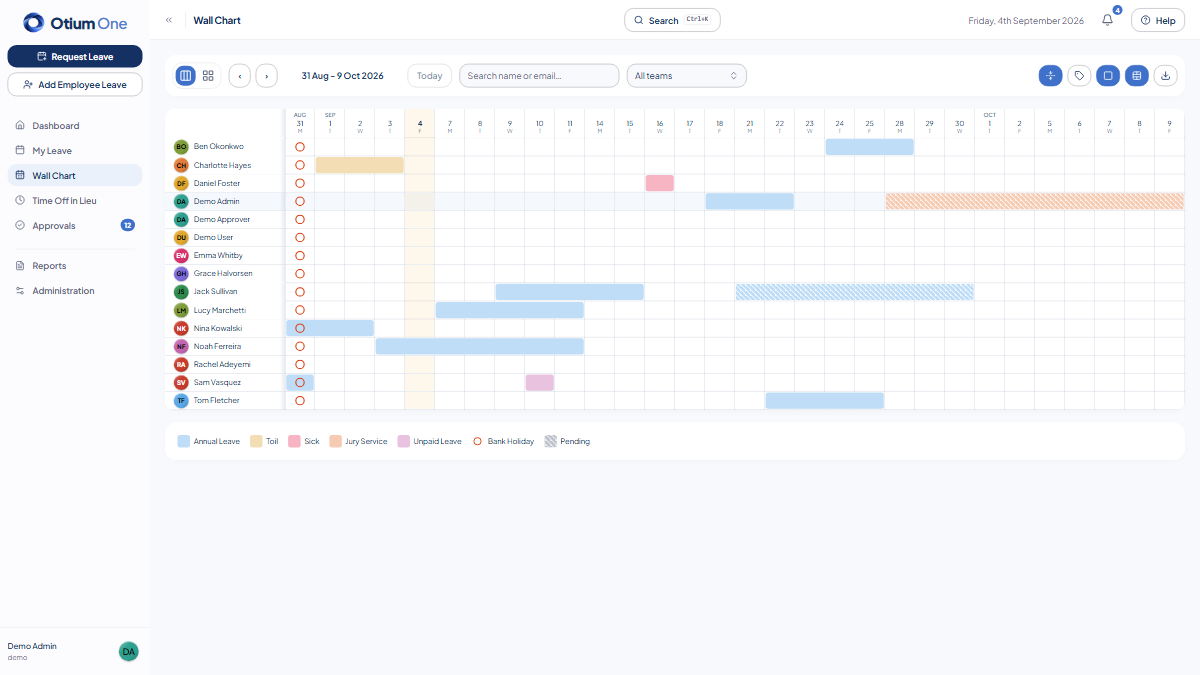
Compact, no icons, merged cells
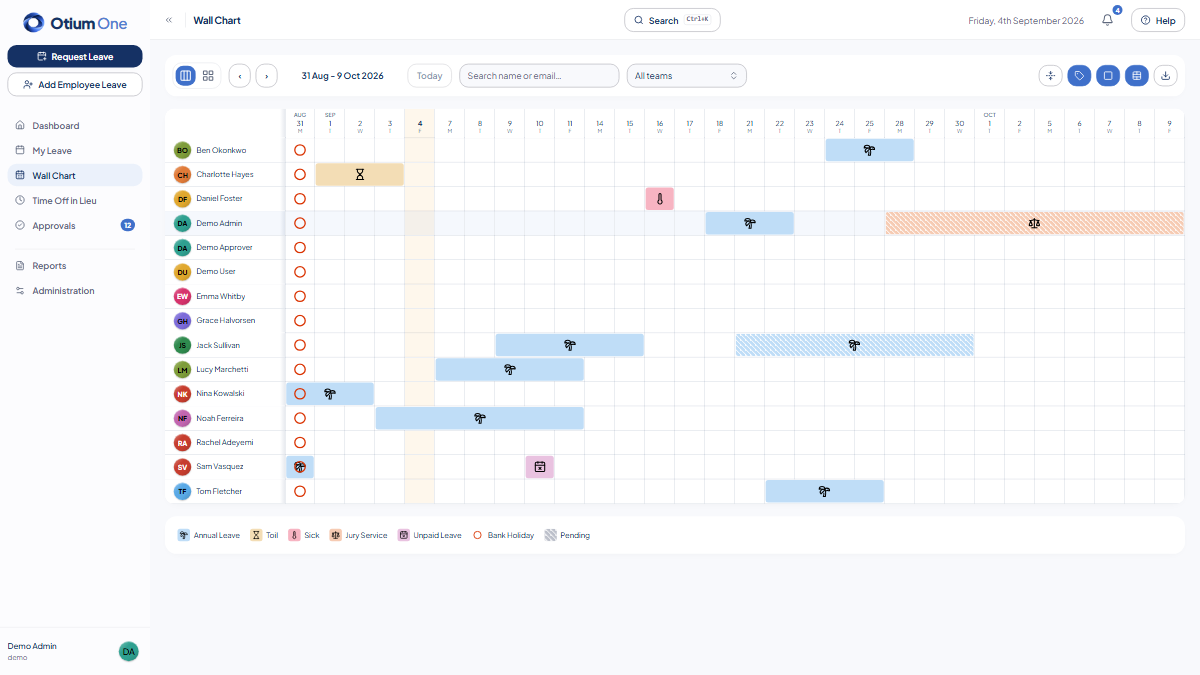
Grid lines, icons, merged cells
Built for modern organisations
Keep access in sync with the rest of your stack and keep a clean record of everything that happens, without extra admin work.
Integrations & access
- Keep employee access in sync automatically — Microsoft Entra (Azure AD) single sign-on and SCIM 2.0 provisioning sync users straight from your identity provider.
- iCal feed — subscribe to your own approved leave from any calendar app.
- Slack and Teams webhook notifications for approvals and requests, rendered as a real card, not a wall of text.
- Connect to Zapier — and thousands of other apps — via webhooks on every leave event.
Security & governance
- Custom roles and permissions — build any access level beyond Employee, Approver, and Admin, matched to how your organisation actually works.
- Tenant isolation enforced at the database layer, not just application code.
- Multi-factor authentication (TOTP), available to any user and enforceable for every admin, with breached-password checking on every password set.
- Append-only audit log with configurable retention, plus GDPR-aligned erasure and full offboarding built in.
Make it yours
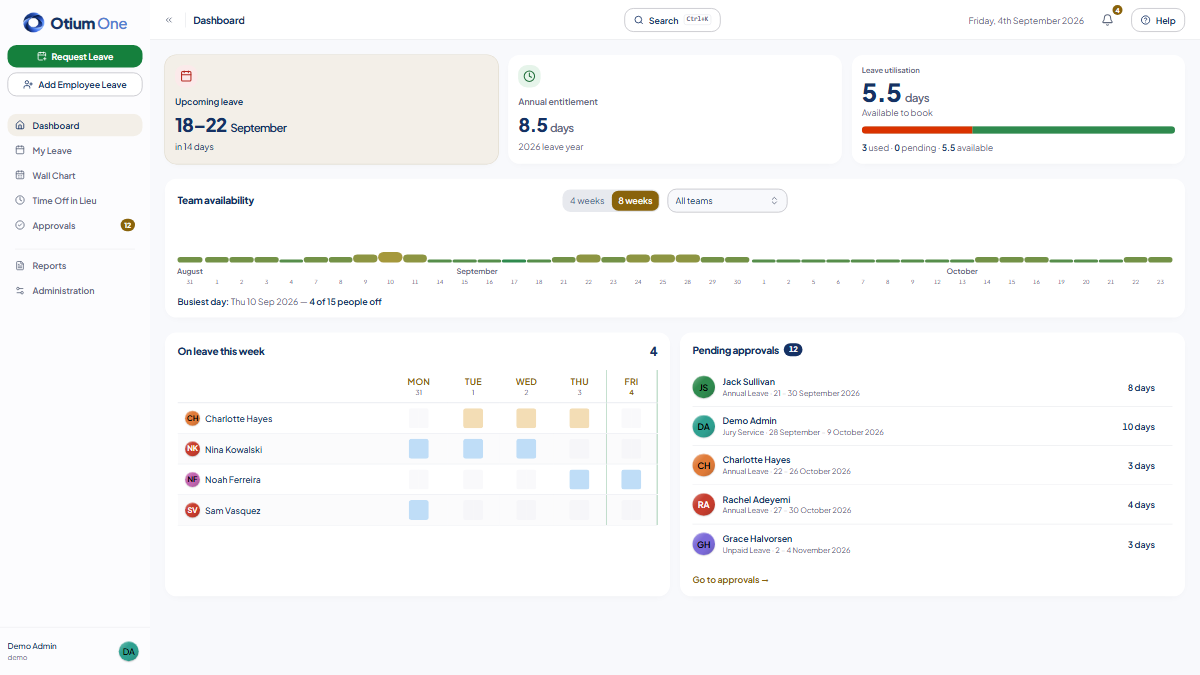
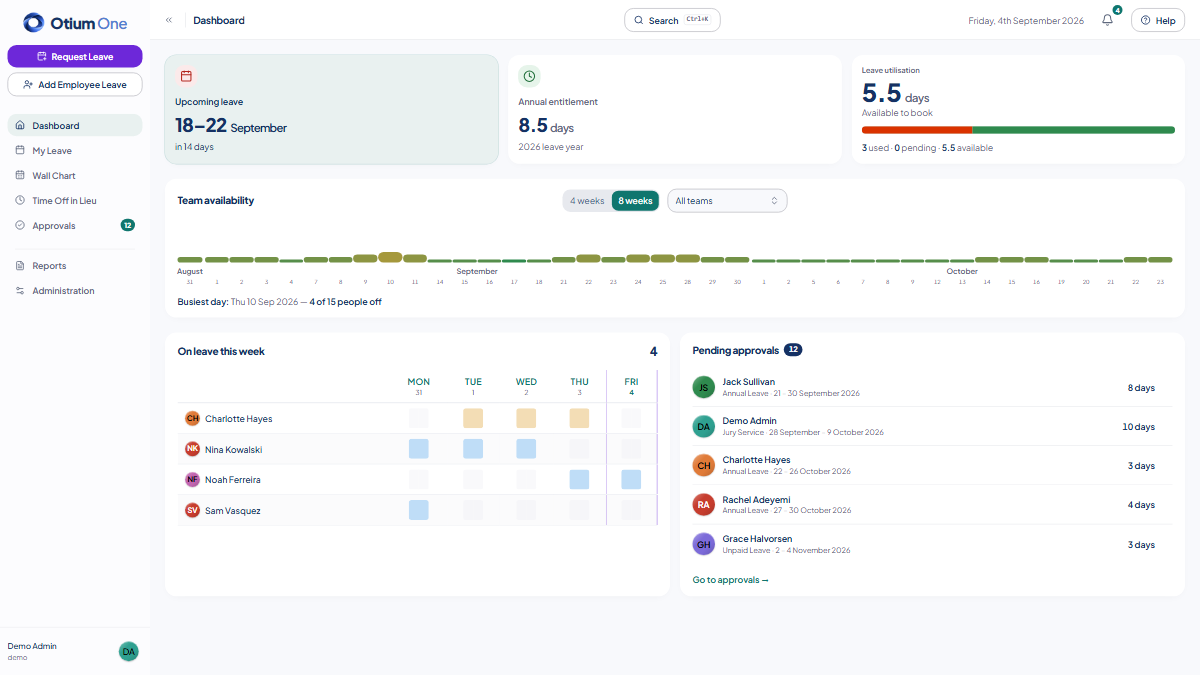
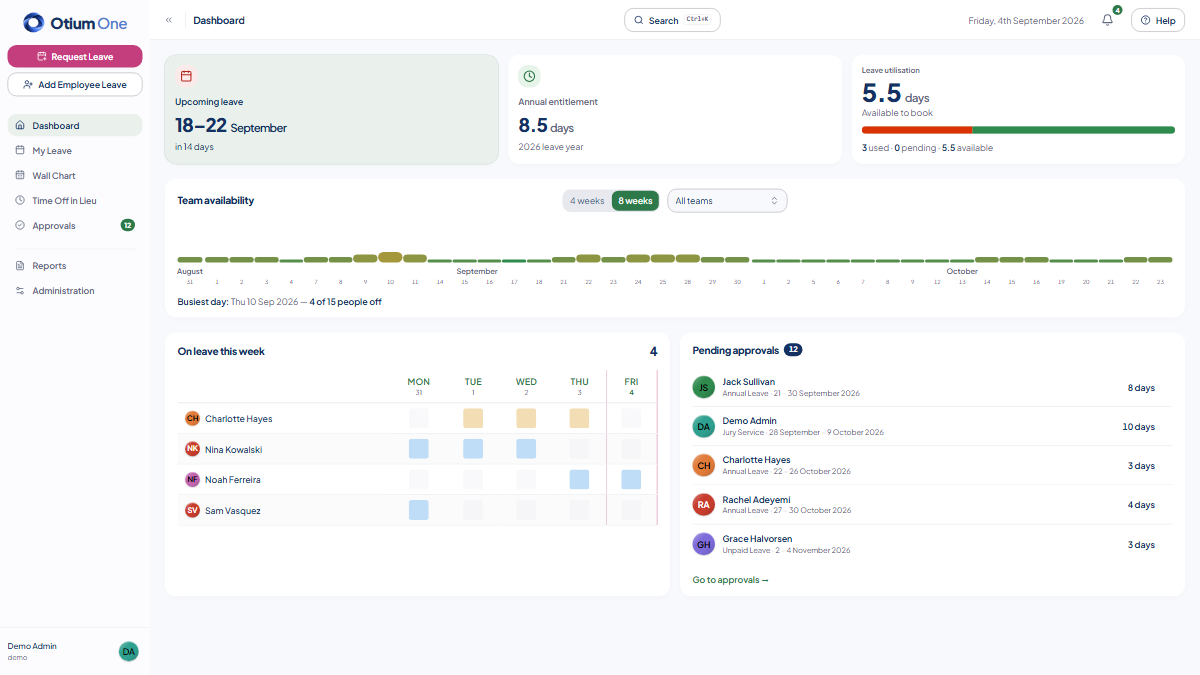
Every employee sees your brand, not ours.
- Otium One, Ocean, Forest, Amethyst, and Flamingo presets — or set any colour of your own.
- Every screen re-themes instantly: buttons, nav, and links all derive from your one accent — status colours and charts stay fixed on purpose, so a warning always reads as a warning.
- Full dark mode, with a contrast-checked intensity slider so a custom colour stays WCAG AA readable.
- Applies everywhere, from the login screen to every employee's dashboard.
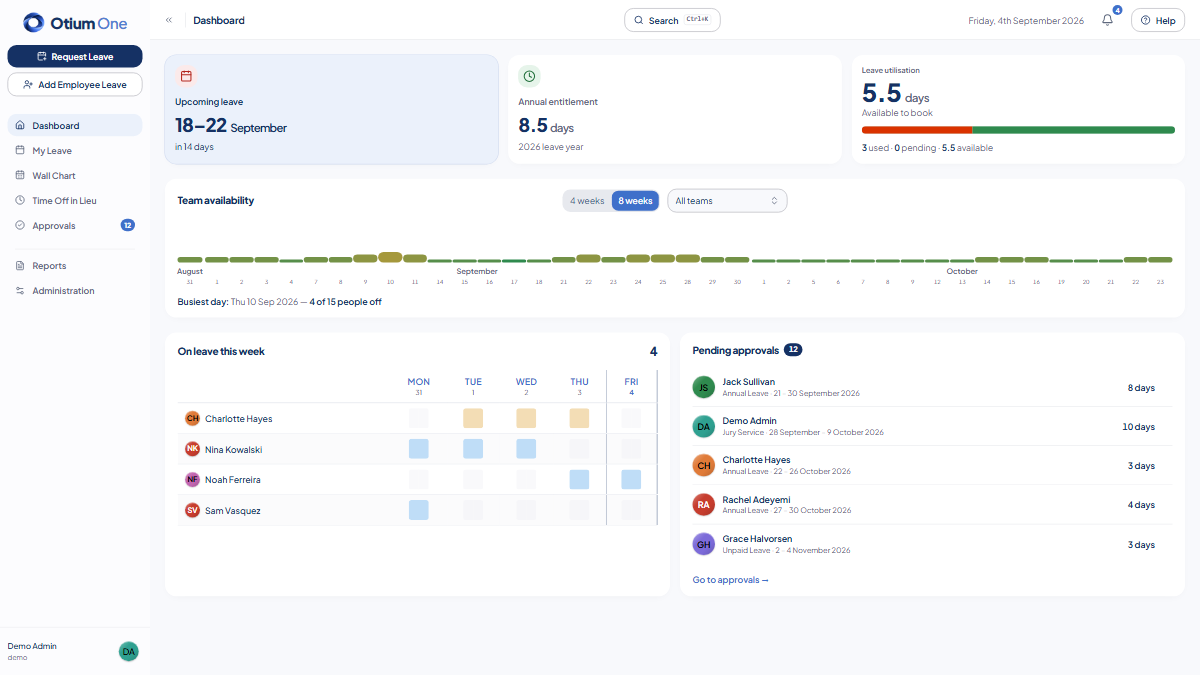
Otium One (light)
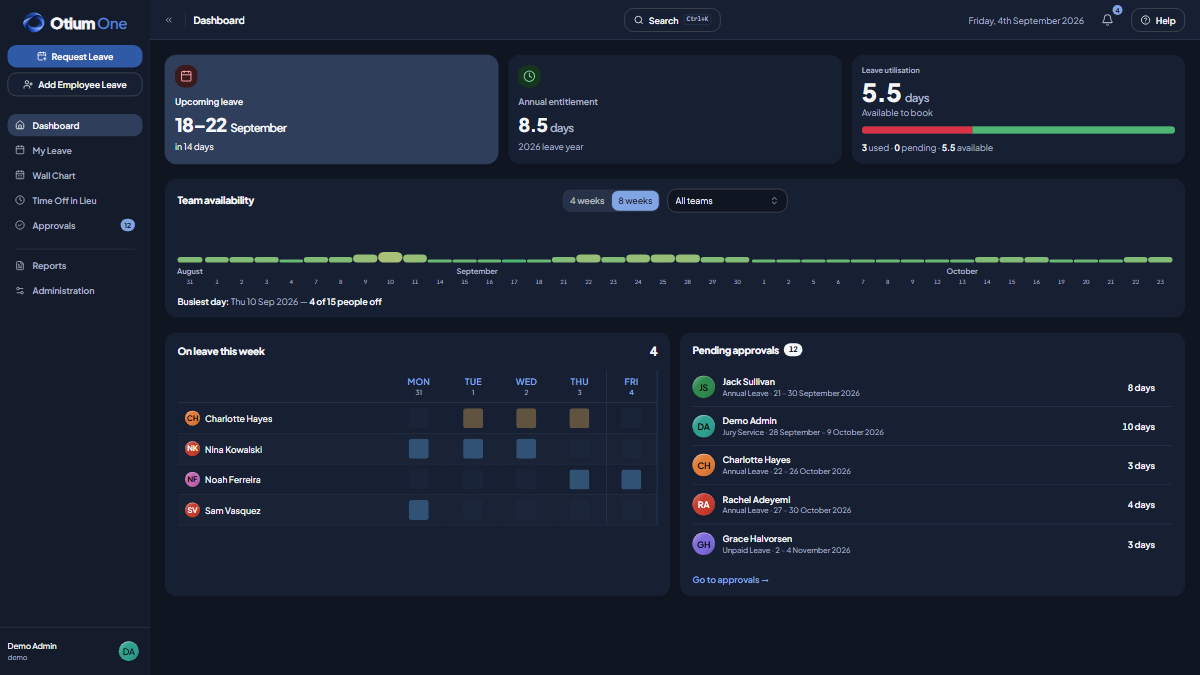
Otium One (dark)
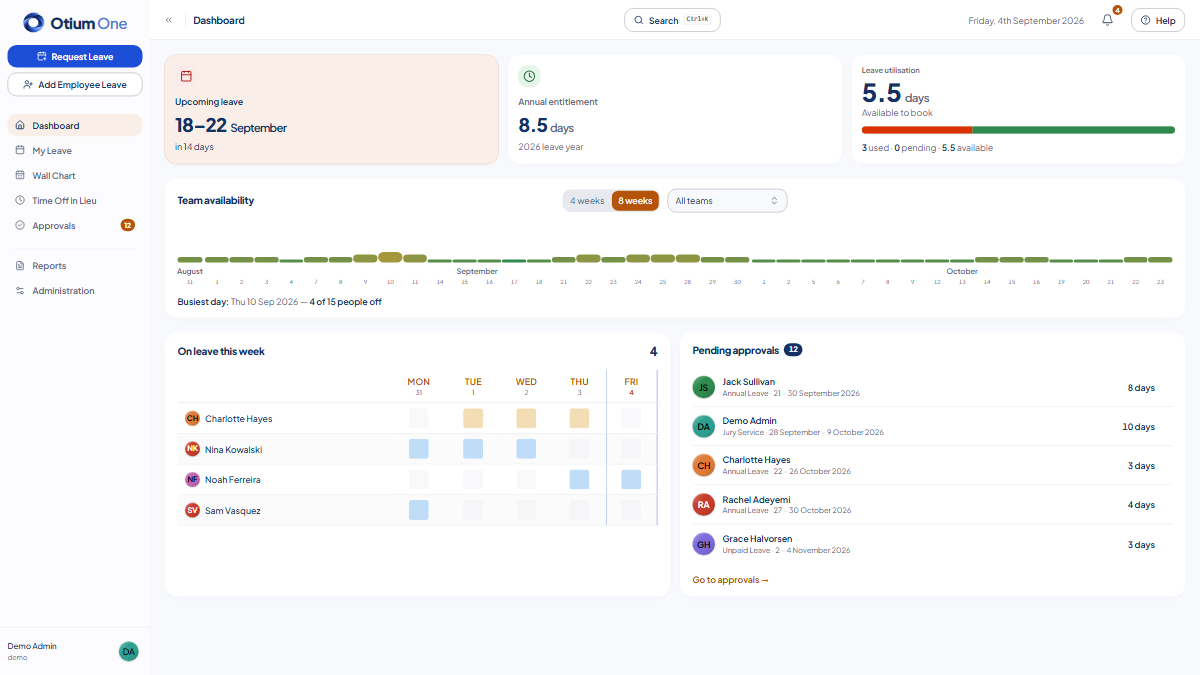
Ocean
Forest
Amethyst
Flamingo